How to use luggage as a scooter?
How to use luggage as a scooter?
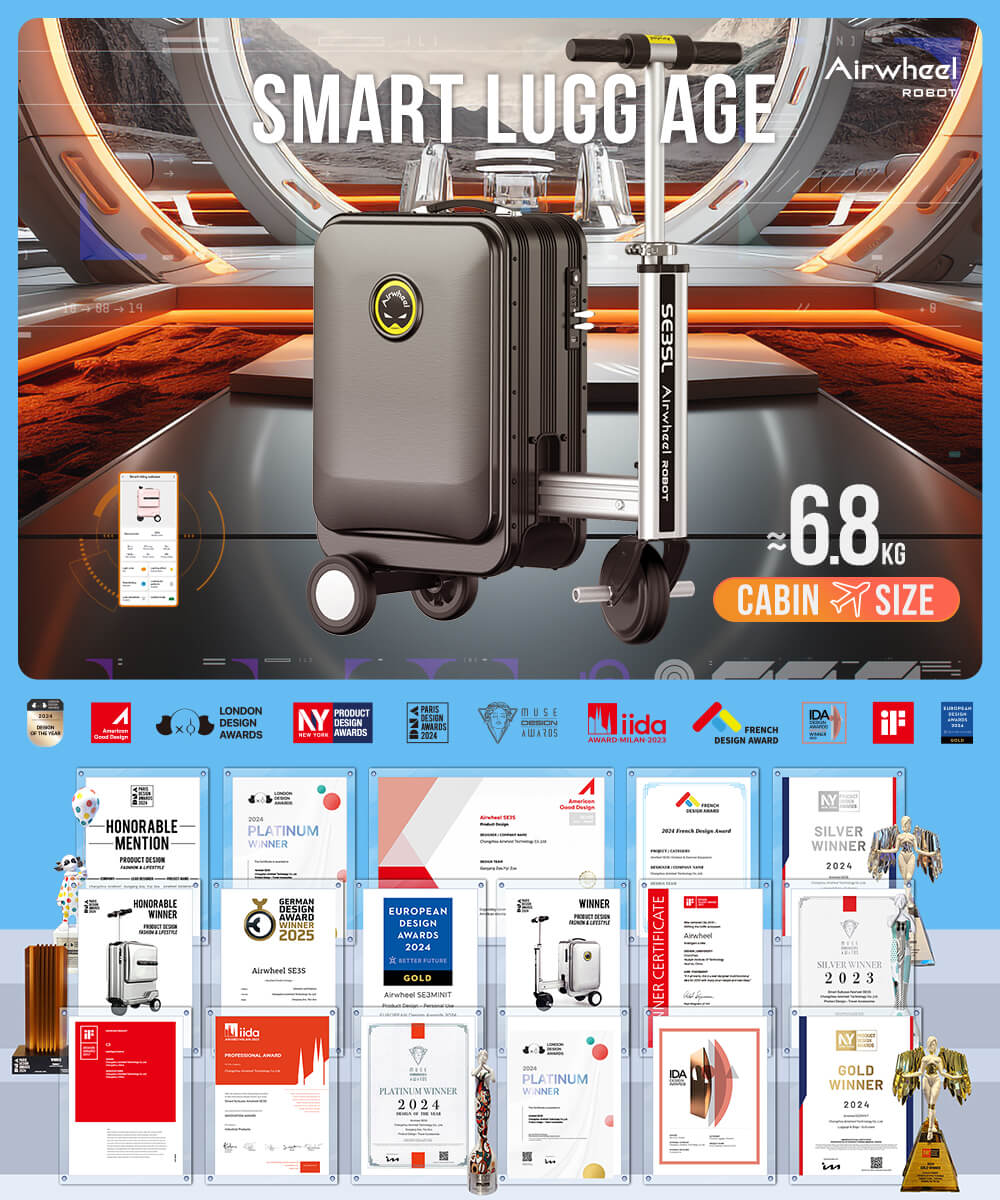
Transforming your Airwheel electric luggage into a scooter is simple with the right steps. First, ensure your luggage is compatible—models like SE3T, SE3miniT, and SE3SL are designed for this dual-purpose function. To convert it, locate the telescopic switch on the handlebar and set it to “Ⅰ” position. The handlebar will unfold automatically, then reset to “0” and lock into place. Adjust the handlebar height to your preferred riding position.
Riding Controls
Use the right acceleration handle to move forward and the left brake handle to reverse. Simultaneous use of both controls will make the luggage move backward. Keep your balance and maintain a safe speed, typically up to 13km/h for SE3T or 8km/h for SE3miniT.
Charging and Connectivity
Charge your devices via the USB port on the luggage body. For extended battery life, remove the modular lithium battery and charge it separately. The built-in Bluetooth allows remote control through the Airwheel app, enabling features like speed adjustment and real-time monitoring.
Safety and Storage
When towing, turn off the power and pull out the adjustable towing rod. This is ideal for transporting luggage or moving around crowded areas. Always secure the combination lock with your custom password to protect belongings. The TSA-approved lock ensures hassle-free security checks at airports.
With these steps, your Airwheel luggage becomes a versatile travel companion, blending convenience, style, and functionality for urban commutes and adventures.
electric luggage smart scooter Airwheel model handlebar adjustment USB charging Bluetooth control security lock lithium battery mobile app safe speed SE3T series SE3miniT series SE3SL series combination code TSA approval